
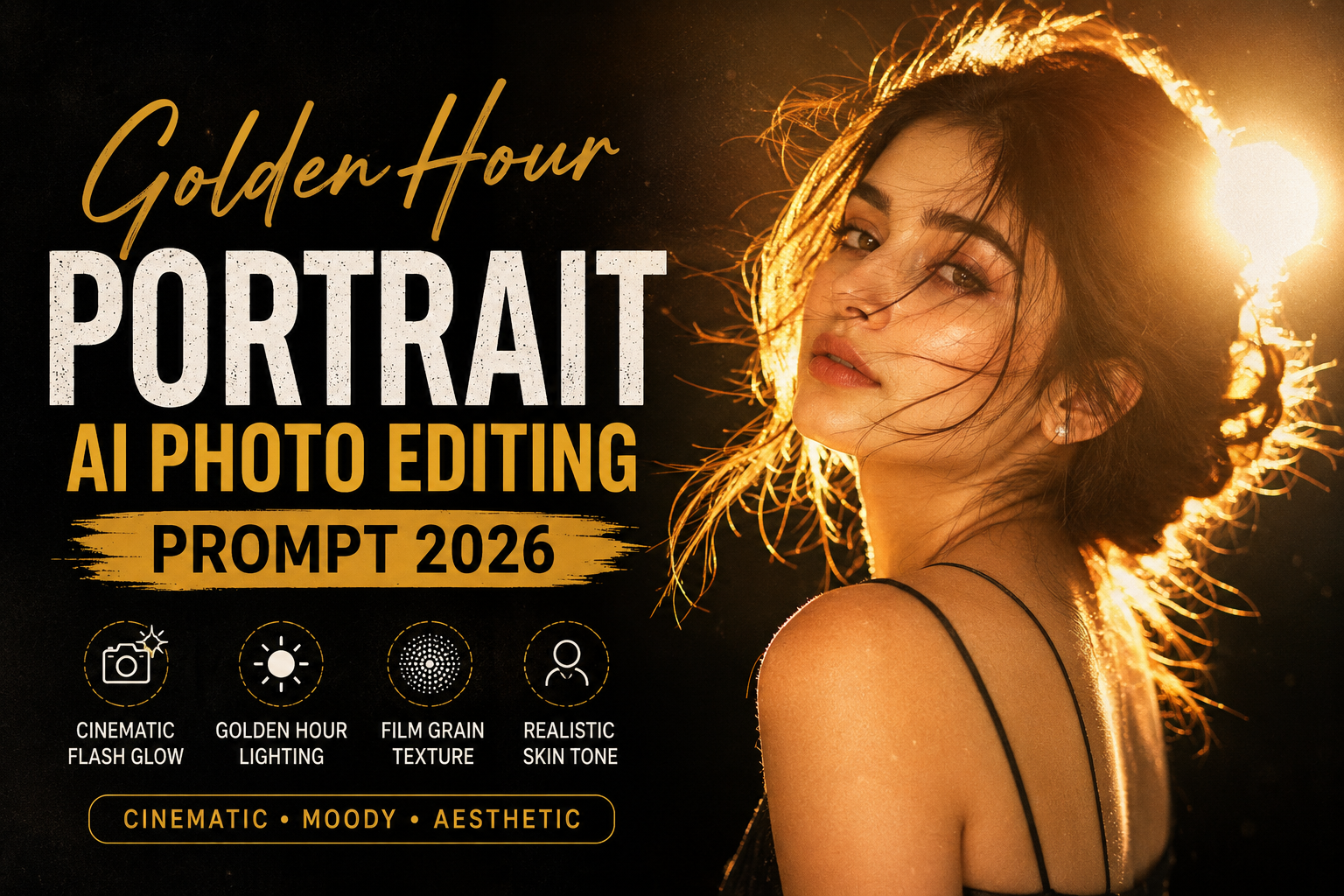
Want to create a stunning Golden Hour Portrait with the help of AI? You’re in the right place. This Golden Hour Portrait AI Photo Editing Prompt 2026 is designed to give your photos a professional cinematic look with dramatic lighting, glowing edges, warm golden highlights, and a beautiful Instagram-worthy aesthetic.
Whether you’re using ChatGPT, Gemini, Midjourney, Flux, or another AI image editor, this prompt helps generate realistic and eye-catching portrait edits in just a few seconds.
What is the Golden Hour Portrait AI Prompt?
The Golden Hour Portrait AI Prompt is a detailed text prompt that tells AI exactly how to transform your photo. It combines warm sunset-style lighting with cinematic flash effects, realistic skin textures, and a moody background to create premium-quality portraits.
This editing style is trending across Instagram, TikTok, and other social media platforms because of its elegant and professional appearance.
Looking for more trending AI editing prompts? Check out our Traditional Indian Bride Aesthetic Photography with AI Prompt for another realistic and viral AI photo editing style.
Golden Hour Portrait AI Photo Editing Prompt 2026
Copy and use the prompt below in your favorite AI image editing tool.
AI Prompt
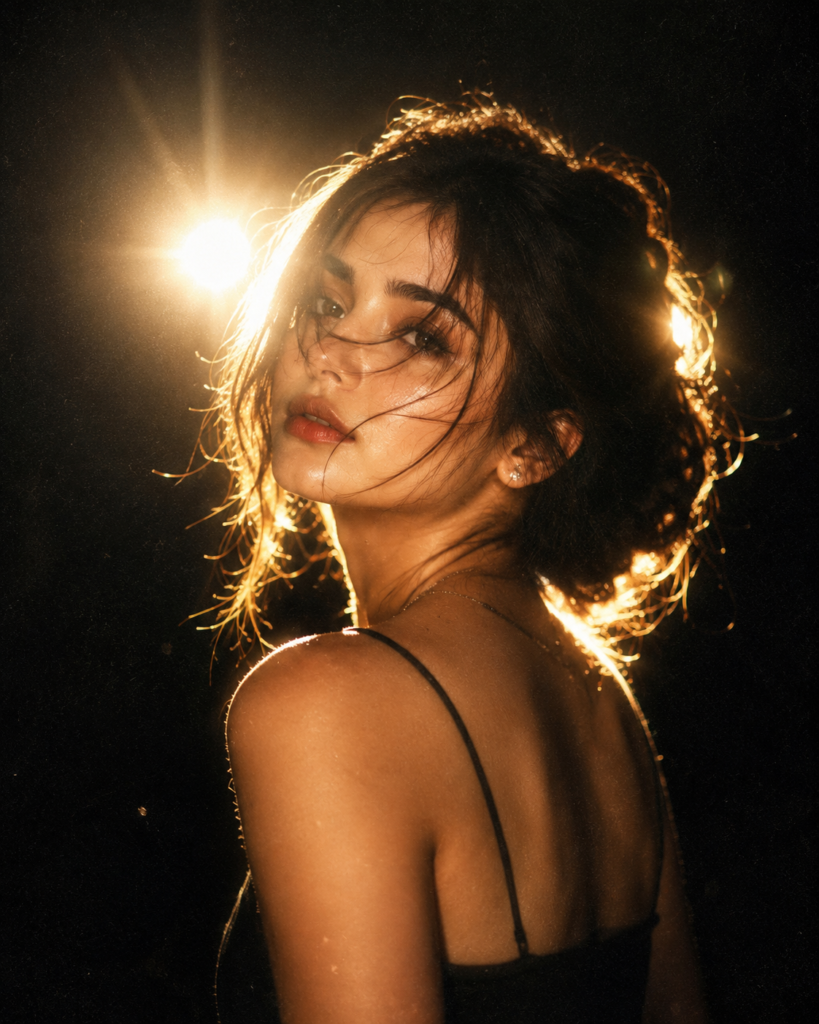
Add dramatic flash glow effect, dark black background, cinematic low light, strong backlighting around subject, glowing edges, soft bloom light, vintage camera flash look, high contrast shadows, moody aesthetic, film grain texture, warm golden highlights, dreamy blur, Y2K flash photography style, realistic skin texture, overexposed flash lighting, soft haze, night shoot vibe, Instagram restyle aesthetic, detailed shadows and glow.
Negative Prompt
Use this negative prompt to avoid unwanted distortions and improve image quality.
blurry face, extra fingers, distorted eyes, plastic skin, overexposed highlights, unnatural lighting, cartoonish, low resolution, watermark, text, oversaturated colors, harsh shadows, deformed features, unrealistic proportions
Best AI Tools to Use
You can use this prompt with the following AI platforms:
- ChatGPT AI Image Generator
- Google Gemini
- Flux AI
- Midjourney
- Leonardo AI
- Ideogram AI
Tips for Better Results
- Upload a high-quality portrait photo.
- Make sure your face is clearly visible.
- Use a portrait with good lighting for the most realistic output.
- Keep the original image sharp and unblurred.
- Try different aspect ratios for Instagram posts or stories.
Why This Prompt is Trending in 2026
Golden Hour portrait editing has become one of the biggest AI editing trends because it combines warm lighting, cinematic depth, and realistic flash photography into a single look. The result is a premium portrait that stands out on Instagram, Facebook, and other social media platforms.
Conclusion
If you’re looking for a realistic cinematic portrait with warm golden lighting and dramatic flash effects, this Golden Hour Portrait AI Photo Editing Prompt 2026 is an excellent choice. Simply copy the prompt, add the negative prompt, upload your photo, and let AI create a professional-quality portrait in seconds.
Bookmark this page for more free AI photo editing prompts and stay updated with the latest AI editing trends of 2026.